// 2026-05-19 · Privacy & Security · by Bob Smith
Cover Your Tracks: See How Trackable Your Browser Is
Cover Your Tracks is the EFF's free test that shows how unique your browser fingerprint is and whether your ad blocker is actually stopping trackers. One click.
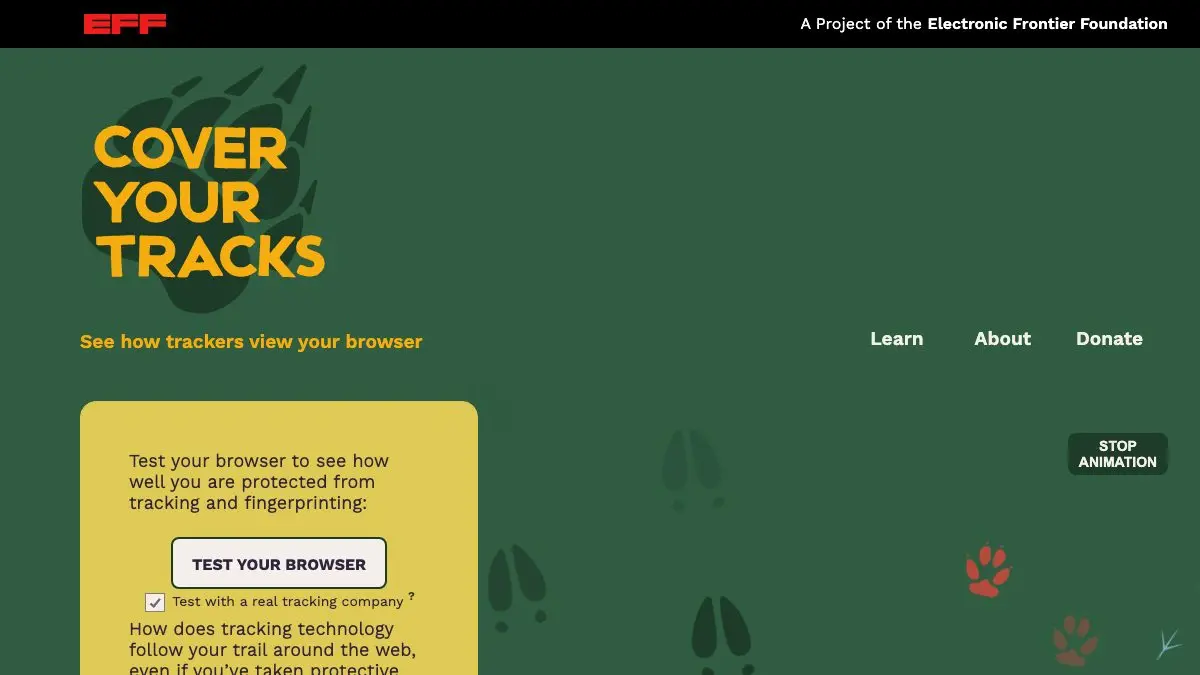
Cover Your Tracks is a one-click test from the Electronic Frontier Foundation that shows you how visible you are to online trackers. Press the button and it tells you whether your blocker is really working, and, the uncomfortable part, how unique your browser fingerprint is among everyone who has ever taken the test.
Spoiler: for most people, the answer is “unique.” Yours is probably a snowflake, and not in a good way.
What is Cover Your Tracks?
It grew out of the EFF’s earlier Panopticlick project, which first demonstrated that browsers leak enough incidental detail to identify people without cookies. Cover Your Tracks is the modern version, and it does two things at once.
First, it tests your defenses by loading simulated trackers: does your browser block tracking ads, does it block invisible trackers, does it respect and enforce your Do Not Track preference. Straightforward pass-or-fail stuff.
Second, and far more interesting, it fingerprints you. It collects the details every website can read, screen resolution, time zone, language, platform, installed fonts, how your graphics hardware renders a test image, audio processing quirks, and calculates how many bits of identifying information that combination represents. Then it compares you to its whole dataset and tells you how many other browsers share your exact profile.
Usually: none. That is the lesson. You do not need to be logged in for a tracker to know it is you again.
What can you do on Cover Your Tracks?
- Run the basic test. One click, a few seconds, plain-English verdict on whether you are protected against tracking.
- See your uniqueness score. It reports how many browsers out of its dataset share your fingerprint, and how many bits of identifying information you carry.
- Read the full fingerprint table. This is the good part: every measured characteristic, its value, and exactly how rare that value is. Your font list alone is often damning.
- Compare browsers. Run the test in Chrome, Firefox, Safari and a private window and watch the numbers change. It is the fastest privacy education you can get.
- Test your extensions. Turn a content blocker off, retest, turn it on, retest. Now you know whether it does anything.
- Learn the concepts. The explanations alongside the results are clear, non-hysterical and written for normal humans.
Tips to get the most out of it
Test the same browser twice, with and without your blocker. Comparing results is more informative than any single score. It turns an abstract worry into a measured difference.
Look at which single value gives you away. In the detailed table, one or two entries usually carry a huge share of the identifying bits, often fonts, canvas rendering or screen size. That is your actual weak point, not the general vibe of your setup.
Do not over-collect extensions. People assume more privacy add-ons means more privacy. Fingerprinting punishes weirdness: an unusual stack of extensions can make you easier to pick out, not harder.
Try a private or incognito window. Many people expect private mode to fix fingerprinting. It largely does not, and seeing that in the results is more convincing than being told.
Test on your phone too. Mobile browsers behave very differently, and the results often surprise people who assumed the phone was the safer device.
Remember the score is relative to their dataset. “Unique among tested browsers” means unique in this sample, not a mathematical certainty about the whole internet. It is still a strong signal, just not a verdict.
If you like Cover Your Tracks, also try…
- Have I Been Pwned: find out which breaches your email address already turned up in.
- JustDeleteMe: a ranked directory of how difficult each service makes deleting your account.
- Kagi Small Web: a reminder that the tracker-free personal web still exists.
The rest of our Privacy & Security picks are worth an afternoon of tidying up.
Frequently asked questions
What is Cover Your Tracks?
Cover Your Tracks is a free browser privacy test from the Electronic Frontier Foundation. It checks whether your browser blocks tracking ads and invisible trackers, and measures how unique your browser fingerprint is compared to everyone else who has taken the test. The result tells you how easily trackers can recognize you across websites even without cookies.
Is Cover Your Tracks free?
Yes, it is completely free with no account, no signup and no ads. It is run by the Electronic Frontier Foundation, a nonprofit digital rights organization, and the test runs entirely in your browser when you click the button.
What is browser fingerprinting?
Browser fingerprinting is a tracking technique that identifies you by the combination of characteristics your browser reveals, screen size, time zone, installed fonts, graphics rendering quirks, language settings and more. Individually these details are harmless, but combined they are often unique enough to single out one specific browser without any cookie at all.
How can I make my browser less unique?
The most effective step is using a browser that actively resists fingerprinting, such as Tor Browser or a hardened privacy browser, since these make many users look identical. Beyond that, a strong content blocker stops most trackers from collecting a fingerprint in the first place. Counterintuitively, piling on unusual extensions and custom settings can make you more identifiable, not less.