// 2026-08-05 · Privacy & Security · by Bob Smith
10 Minute Mail: A Disposable Inbox With a Countdown Timer
10 Minute Mail hands you a working email address that deletes itself ten minutes later. No signup, no password, no newsletter chasing you for years.
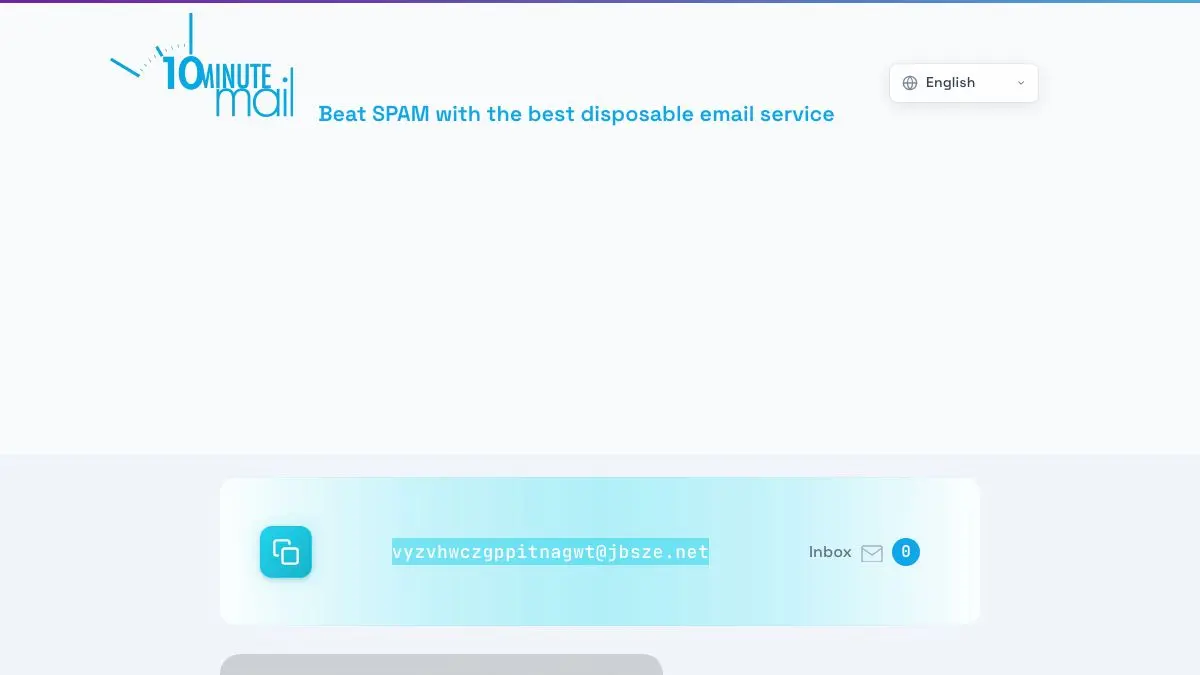
10 Minute Mail is a working email address that self-destructs. You open the page, an address is already waiting, and a countdown starts. Messages arrive in the inbox below it in real time. Ten minutes later the whole thing evaporates, along with any relationship you might otherwise have had with the sender for the rest of your life.
What is 10 Minute Mail?
Somewhere along the way, the internet decided that reading a PDF requires an email address. So does downloading a checklist, viewing a price, unlocking a comment section, and using a tool for thirty seconds. The address you give them does not go into a drawer. It goes into a list, then into a CRM, then into a re-engagement campaign, then eventually into a data broker’s inventory.
10 Minute Mail is the polite refusal. It creates a real, functioning mailbox on a domain it controls, shows you the address, and starts a timer. Anything sent to that address in the next ten minutes lands in the page in front of you, no refresh needed. Confirmation links work. Verification codes arrive. Then the address expires and the mailbox is discarded.
The design is deliberately minimal. There is no signup, because the entire point is the absence of an account. There is no password, because the address only exists for as long as your tab does. There is no inbox history, because history is the thing you are avoiding.
It is one of the older services in this category, predating most of its competitors, and it has stayed almost unchanged: address at the top, timer, reset button, list of messages. That stubbornness is a feature. There is nothing to learn.
The ten-minute limit sounds restrictive until you realize how it is actually used. Almost every real use is a single confirmation email arriving within twenty seconds, and the countdown exists mainly to guarantee the mailbox does not linger.
What can you do with 10 Minute Mail?
- Get an address instantly. No form, no captcha before the fact. The address is generated the moment the page loads.
- Copy it with one click. A copy button sits next to the address, which matters when the local part is a random string.
- Watch messages arrive live. The inbox updates itself, so you can sit on the page and see the confirmation land without refreshing.
- Click through confirmation links. Messages render properly enough to follow verification links and read one-time codes.
- Reset the timer. One button buys you another ten minutes when a slow sender takes its time.
- Walk away and lose nothing. Closing the tab is the entire cleanup process. There is no account to delete afterward.
Tips to get the most out of it
Keep the tab open until you are completely finished. The address is tied to your session. If you close the tab to go read the confirmation somewhere else, you may come back to a brand new address and no way to reach the old one.
Copy the address, do not retype it. The generated local part is a random string, and a single mistyped character means the confirmation arrives at a mailbox you cannot see.
Reset the timer before it runs out, not after. Slow senders exist, and some services queue confirmation emails for minutes. Hit reset while you are waiting rather than discovering the expiry after the fact.
Never use it for anything you might need to recover. No password reset will ever reach you again. This is fine for a one-time download and catastrophic for an account you will still want next month.
Assume the mailbox is public. These services do not authenticate anyone, so treat every message as readable by strangers. Nothing sensitive should pass through it.
Have a real backup plan for sites that block it. Plenty of services maintain blocklists of disposable domains. If a signup rejects the address, another provider or a plus-addressed alias on your own domain will usually get through.
If you like 10 Minute Mail, also try…
- Temp Mail: the same idea with a longer-lived inbox and multiple domain options.
- JustDeleteMe: for the accounts you already created with your real address.
- Have I Been Pwned: find out which of those old signups have since been breached.
- Link Cleaner: strip the tracking parameters out of links before you pass them on.
More ways to give away less in Privacy & Security, and more everyday helpers in Tools & Utilities.
Frequently asked questions
What is 10 Minute Mail?
10 Minute Mail gives you a randomly generated email address the moment you open the page, along with an inbox that receives messages in real time. After ten minutes the address expires and everything sent to it is discarded. It exists so you can complete a signup or confirm a download without handing over your real address.
Is 10 Minute Mail free?
Yes, it is free and requires no account, no password, and no personal information. The page is supported by advertising. You open it, copy the address, and use it.
Can I extend the ten minutes?
Yes. The page has a button to reset the countdown and give yourself another ten minutes, and you can keep doing that as long as the tab is open. If you close the tab or clear your cookies, the address is generally gone for good.
Is it safe to use a temporary email for important accounts?
No. Anyone who visits the same address can potentially see the messages, and once the timer expires you can never recover the account. Use it for throwaway signups and one-off confirmations, never for banking, work, subscriptions you care about, or anything with password recovery attached.