// 2026-08-05 · Privacy & Security · by Bob Smith
Link Cleaner: Strip the Tracking Junk Out of Any URL
Link Cleaner removes utm tags, referral IDs and click trackers from URLs, leaving a short clean link that goes to the same place without reporting on anyone.
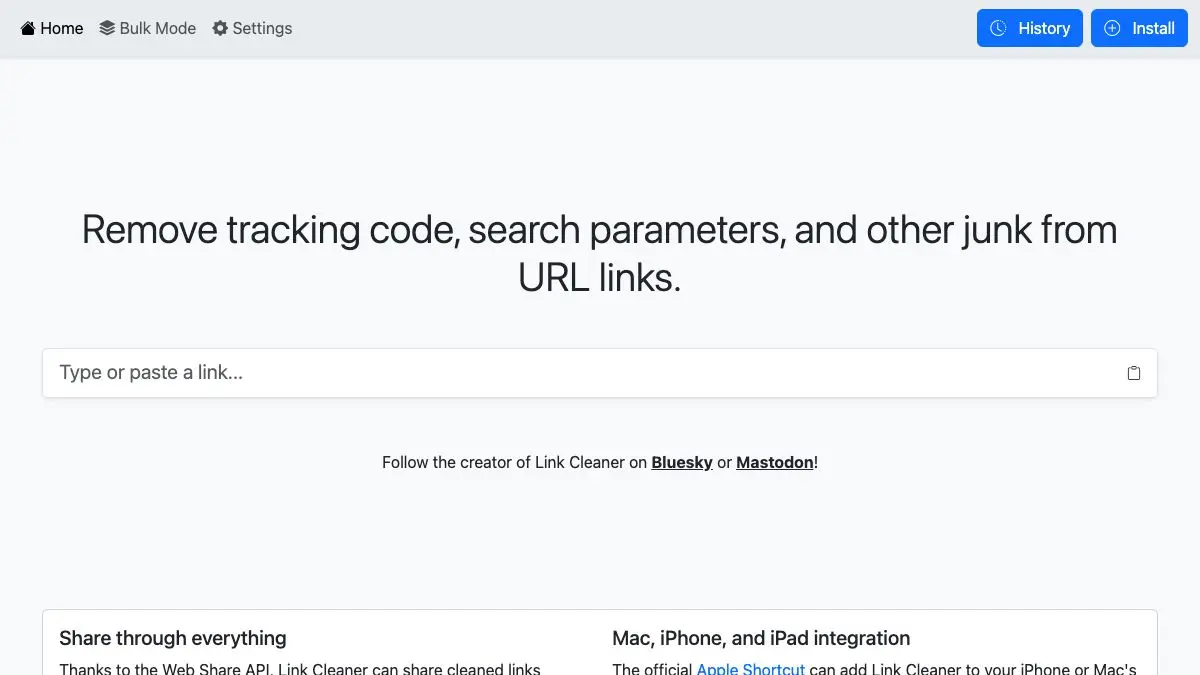
Link Cleaner solves a small, constant annoyance: the URL you want to share is 40 characters long, and the one you actually copied is 280 characters of question marks, ampersands, and a session identifier that appears to encode your entire personality. Paste it in, get the short version back, share that instead.
What is Link Cleaner?
Modern links carry passengers. Copy a product page from a shopping app and you get an affiliate tag. Copy an article from a newsletter and you get a click identifier unique to your subscription. Copy anything from a social feed and you get a share ID that quietly records who passed it to whom.
None of that is necessary to reach the page. It exists to attribute the visit. The domain and the path do the actual work; everything after the question mark is instrumentation.
Link Cleaner strips the instrumentation. It knows the common families of tracking parameters, the utm_ campaign set that analytics platforms standardized on, the per-platform click identifiers that ad systems attach, affiliate and referral codes, and various session and share tokens, and it removes them while leaving the parts of the URL that matter.
The result is usually dramatic. A link that filled three lines in a chat window becomes something you can read aloud. That alone justifies the tool, and it is probably why most people keep using it.
The privacy benefit is the quieter half. When you forward a tracked link, you are not only handing the destination a record of the click, you are potentially handing it a chain: this visit came from that campaign, which was sent to that person. Cleaning the link breaks the chain before you pass it on.
What can you do with Link Cleaner?
- Clean a single URL. Paste, and the stripped version appears with the removed parameters visible so you can see what was in there.
- See exactly what was attached. The tool shows what it took out, which is a small education in how much instrumentation an ordinary link carries.
- Shorten links without a shortener. Cleaning often cuts a URL by 80 percent, with no third-party redirect service in the middle.
- Sanitize links before sharing. Chat, email, documents, anywhere the raw copied URL would otherwise be embarrassing to look at.
- Check unfamiliar links. Seeing the bare domain and path without a wall of parameters makes it much easier to tell where a link actually goes.
- Use it on any device. It runs in the browser, so a phone with no extensions installed works as well as a desktop.
Tips to get the most out of it
Make it part of the copy-paste habit, not a special occasion. The tool only helps if you use it on the ordinary links, and those are the ones carrying the most tracking. Keep the tab pinned or bookmarked on your phone’s home screen.
Test the cleaned link once before mass-sharing. Query parameters occasionally do real work: a timestamp on a video, a page number in a paginated result, a search query. If your cleaned link lands somewhere wrong, add the functional parameter back.
Clean links before putting them in documents that outlive you. Wikis, internal docs, and README files get copied for years. A tracking identifier baked into a shared doc keeps reporting long after everyone has forgotten why it was there.
Pay attention to what it strips. Watching the removed parameters accumulate teaches you to recognize the common ones on sight, which makes you faster at spotting them even without the tool.
Remember it does not stop tracking at the destination. Cleaning the URL removes the attribution attached to the link. The site you land on still has its own analytics, cookies, and fingerprinting. This is one layer, not a shield.
Combine it with a browser that strips parameters automatically. Several browsers and extensions now remove known tracking parameters on their own. Link Cleaner is the manual backstop for everything they miss and for devices where you cannot install anything.
If you like Link Cleaner, also try…
- Blacklight by The Markup: scan any site and see exactly which trackers are running on it.
- Cover Your Tracks: test how uniquely identifiable your browser is to the sites you visit.
- 10 Minute Mail: the same instinct applied to email addresses.
- Terms of Service; Didn’t Read: plain-language summaries of what a service actually claims the right to do.
More defensive tooling in Privacy & Security, and more small fixers in Tools & Utilities.
Frequently asked questions
What is Link Cleaner?
Link Cleaner is a web tool that takes a URL and removes the tracking parameters attached to it, such as utm tags, click identifiers and referral codes. What comes back is a shorter link that points to exactly the same page without carrying analytics baggage. You paste a link in, you copy a cleaner one out.
Is Link Cleaner free?
Yes, it is free to use in the browser with no account required. You paste a URL and get the cleaned version back immediately.
Why do links have all that tracking junk in them?
Most of it is campaign attribution. Parameters like utm_source and utm_campaign tell a site's analytics which ad, email or post sent you. Others are per-click identifiers that can tie a specific visit back to a specific recipient, which is why forwarding an unmodified link from a newsletter can attribute your friend's visit to you.
Will removing the parameters break the link?
Usually not, because tracking parameters are additions rather than routing information. Occasionally a site uses a query parameter for something functional, like a search term, a page number or a video timestamp, so it is worth opening the cleaned link once before sharing it widely.