// 2026-08-05 · Music & Audio · by Bob Smith
Music-Map: A Cloud of Similar Bands Where Distance Means Difference
Music-Map takes any artist and draws a cloud of related names around it, positioned so closer means more similar. One search, thirty leads, no algorithm feed.
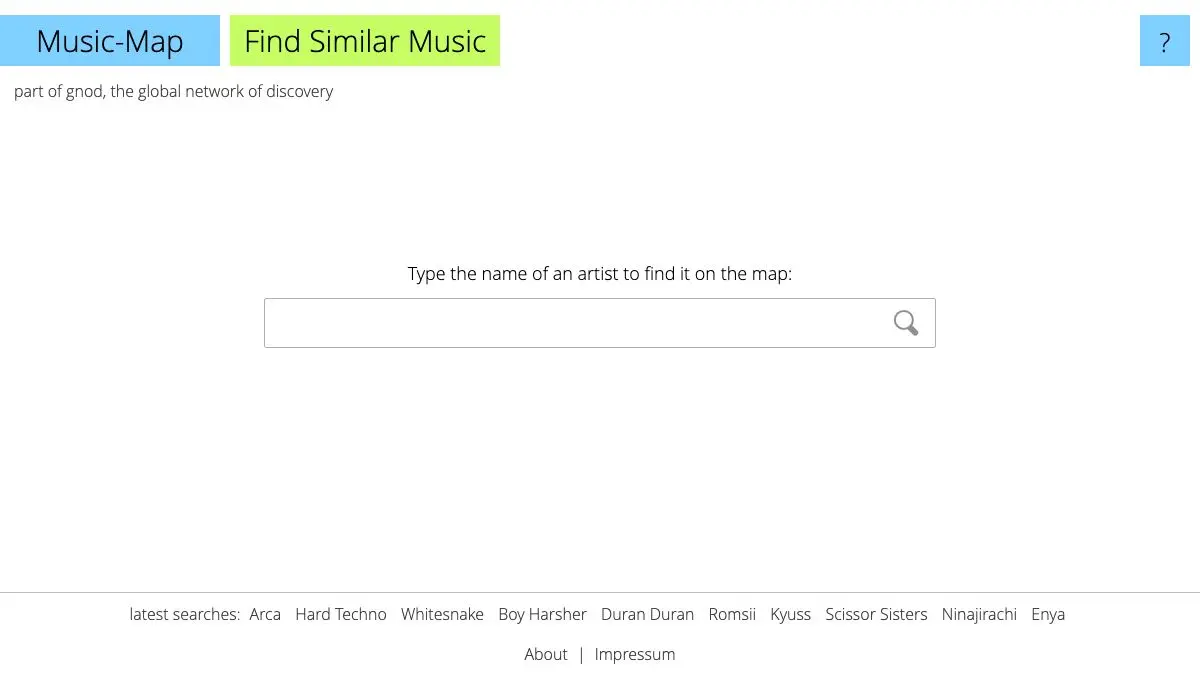
Music-Map does one thing. Type in a band, and it draws a scattered cloud of other band names on a plain white page. The nearer a name sits to the center, the more similar it’s judged to be. Click any name and the whole cloud regenerates around that artist instead. There’s no player, no login, no design to speak of, and it has been quietly better at music discovery than most funded products for over twenty years.
What is Music-Map?
It belongs to Gnod, the Global Network of Discovery, a small cluster of sites built on the same recommendation engine. Gnoosic asks you for three artists and suggests new ones one at a time. Literature-Map does the spatial cloud trick for authors. Music-Map is the visual one, and it’s the one people remember.
The data underneath is associative, not acoustic. It doesn’t analyze waveforms or measure tempo. It learns from how people group artists together, which artists get named in the same breath, which combinations of favorites recur across thousands of users. That’s a fundamentally different signal from what a modern streaming recommender uses, and it produces different results: less “this has the same BPM and key” and more “people who care about this also care about that.”
The spatial layout is what makes it useful. A ranked list of twenty similar artists gives you an order and nothing else. A cloud gives you structure. You can see clusters, an obvious tight knot of the most closely related names near the center, and then satellite groups off to one side that represent a different neighborhood entirely. Those satellites are where the good discoveries are. They’re the artists your favorite band is connected to through a route you hadn’t considered.
Navigation is the loop. Click a name, get its map, click a name on that map, keep going. Three or four hops from where you started and you’re somewhere you’d never have reached by asking a service for recommendations, because each service recommendation pulls you back toward your existing profile. Music-Map has no idea who you are, so it never does that.
The site’s limitations are the same as Gnoosic’s. Its knowledge is deepest in genres that were heavily catalogued online in the 2000s: rock, metal, electronic, indie. Very recent artists may be missing or sparsely connected. Occasionally the cloud is thin or slightly odd. And the interface is entirely unmodernized, which some people find charming and others find dated. It is at least honest about being a tool rather than a destination.
What can you do with Music-Map?
- Map any artist. Type a name, get a cloud. That’s the core operation and it takes two seconds.
- Read the distances. Proximity to the center is similarity. Names on the edge are loosely related, which often makes them the interesting ones.
- Look for clusters, not individual names. Groups of names sitting together usually represent a coherent scene or subgenre.
- Hop from map to map. Clicking any name recenters the entire cloud on it. Chaining hops is the actual way to use the site.
- Use it to name a genre you can’t name. If you know three bands you like but not what they’re called collectively, the overlapping regions of their maps will tell you.
- Cross over to Literature-Map. The sibling site does the same thing for authors, and works just as well.
- Try Gnoosic for the other approach. Same underlying data, different interaction: one suggestion at a time with like and dislike buttons.
Tips to get the most out of it
Ignore the middle of the cloud. The names closest to your artist are almost always the ones you already know. The value is at the perimeter, where the associations get weaker and stranger.
Map three of your favorites and compare. Any artist appearing on all three maps is a very strong signal, even if the name means nothing to you. That intersection is the single most reliable recommendation the site produces.
Hop deliberately, not randomly. Pick an unfamiliar edge name and map it, rather than clicking the biggest name you recognize. Recognizable names pull you back into territory you’ve already covered.
Keep a scratch list. The site doesn’t save anything and there’s no history. Paste interesting names into a notes file as you go or you’ll lose them on the next click.
Check the spelling of your query. It matches on artist name, and an ambiguous or misspelled query returns a thin or empty map. Try the full official name if a search comes back sparse.
Don’t expect it to know this year’s releases. It’s an archive of associations, not a chart. Use it for depth, and use something else for what’s new.
If you like Music-Map, also try…
- Gnoosic: the same engine as a guessing game, one suggestion at a time.
- Every Noise at Once: thousands of named micro-genres plotted by sonic character, each one playable.
- Literature-Map: the identical cloud, drawn for authors instead of bands.
- TasteDive: recommendations that cross media, so a band leads to a film or a book.
More rabbit holes for the musically restless in Music & Audio.
Frequently asked questions
What is Music-Map?
Music-Map is a music discovery site that takes the name of any band or artist and displays a cloud of related artists arranged spatially, where the physical distance between two names reflects how similar they are. It is part of the Gnod family of recommendation sites, which also includes Gnoosic for music and Literature-Map for authors.
Is Music-Map free?
Yes. Music-Map is free to use, requires no account, and works entirely in the browser. It carries advertising, which is how the project has stayed online for many years.
How does Music-Map calculate similarity?
It uses collaborative associations rather than audio analysis. The system learns from which artists people mention together and which combinations recur, then places names closer or farther apart based on how strongly they associate. It reflects listening patterns rather than musical properties like tempo or instrumentation.
Does Music-Map play any music?
No. Music-Map only shows artist names, and clicking a name generates a new map centered on that artist. You take the names to whatever streaming service or search engine you use. That deliberate separation keeps the site fast and free of licensing complications.