// 2026-08-05 · Data & Research · by Bob Smith
Semantic Scholar: A Search Engine That Reads the Papers
Semantic Scholar is a free academic search engine that shows you why a paper was cited, summarizes it in one line, and does not care whether you have a subscription.
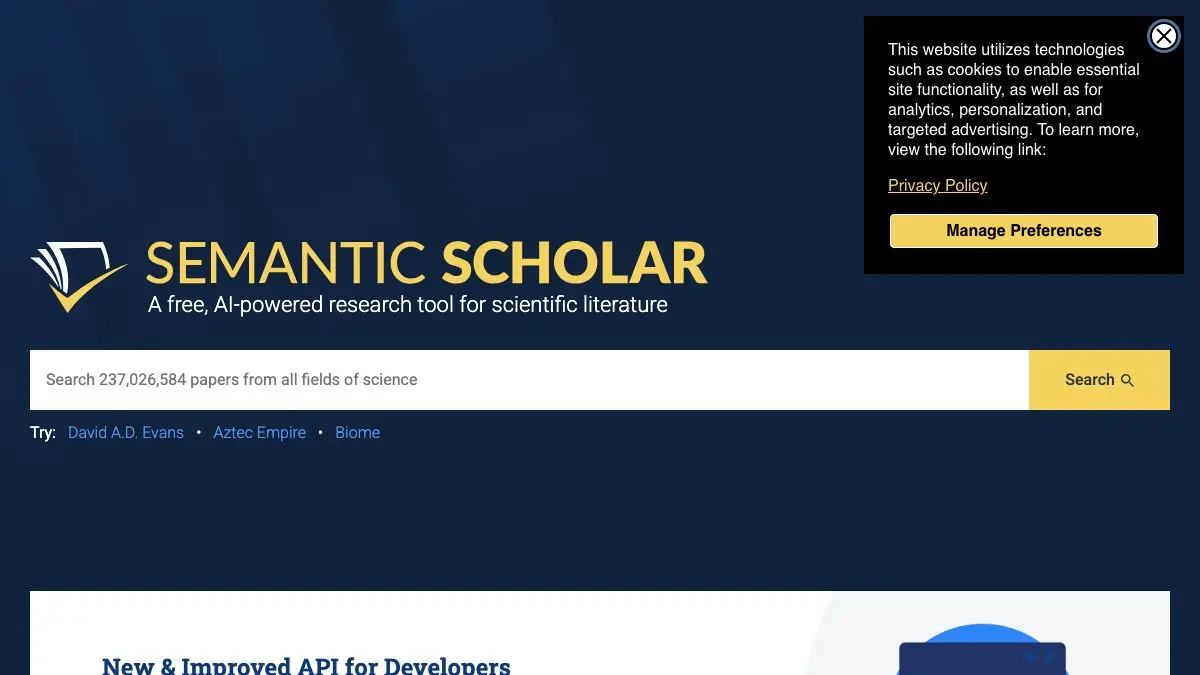
Semantic Scholar is what happens when a serious AI lab decides that academic search is a solved problem being solved badly. It indexes hundreds of millions of papers, and instead of handing you a list of titles and hoping for the best, it tells you what each paper says in one sentence, shows you the actual sentences where later papers cited it, and marks which of those citations mattered. It is free, it has no institutional login, and it has no interest in selling you a PDF.
What is Semantic Scholar?
It comes out of the Allen Institute for AI, the non-profit research institute founded by Paul Allen in Seattle, and launched in 2015. The founding complaint was straightforward: researchers were drowning. Publication volume was growing faster than anyone could read, and the tools for coping with it were essentially keyword search over titles and abstracts, which is a 1990s solution to a 2020s problem.
So they built a search engine that parses the papers themselves. Full text where available, figures extracted and made browsable, references and citations resolved into a proper graph rather than a list of strings. The result is the Semantic Scholar Academic Graph, quiet infrastructure for a surprising amount of the research-tools ecosystem: if you have used a literature-mapping tool in the last few years, there is a decent chance it was reading from this API.
The feature that changes how you work is citation context. Open any paper and you can see not just how many times it was cited but the surrounding sentences from each citing work. This is the difference between “cited 400 times” and “cited 400 times, almost always in a single perfunctory background sentence.” Semantic Scholar also classifies citations as highly influential or not, based on how centrally the citing paper depends on the cited one.
Then there are the TLDRs: one-sentence AI-generated summaries that appear under paper titles in search results. They are not a substitute for the abstract, but they are extremely good at letting you triage twenty results in thirty seconds instead of five minutes.
The whole thing is free and open in a way that is genuinely unusual in academic publishing. Free API, open datasets, no paywall, no affiliation required. It exists because a non-profit decided the field needed it.
What can you do with Semantic Scholar?
- Search across disciplines. Hundreds of millions of papers covering computer science, medicine, biology, physics, economics, the humanities and more.
- Read the TLDR first. One-sentence machine summaries on search results, designed for fast triage of a long result list.
- See citation context. For any paper, view the exact sentences in which other papers cited it, and filter for the citations classified as highly influential.
- Filter results hard. Narrow by year, field of study, publication type, author, journal, or whether a full-text PDF is openly available.
- Build a library. A free account lets you save papers into folders, which then feeds a recommendation system that gets noticeably better the more you save.
- Set up alerts. Follow an author, a topic or a specific paper and get notified when new relevant work appears or when something new cites it.
- Browse extracted figures. Figures and tables are pulled out of the PDFs and shown separately, which is often the fastest way to judge whether a paper is worth opening.
- Use the API. Free programmatic access to the full citation graph, which is why so many other research tools are built on top of it.
Tips to get the most out of it
Filter to open-access full text early. The “has PDF” filter saves you from the familiar cycle of finding the perfect paper and then hitting a paywall. If you have no institutional access, switch it on first.
Use citation context as a quality check. Before you cite something because it has a big citation count, look at how it was actually cited. A paper cited 800 times in throwaway background sentences is doing something different from one cited 80 times as a direct methodological foundation.
Save papers even when you are not sure. The recommendation engine trains on your library and improves sharply once you have thirty or so papers in it. An unsure save costs nothing.
Follow the authors, not just the topics. In most fields, three or four groups are doing the work you care about. Alerting on those authors is a higher signal-to-noise subscription than alerting on a keyword.
Treat the TLDR as triage, never as a citation. It is generated, it is one sentence, and it will occasionally flatten an important caveat. Use it to decide what to open, then read the actual paper.
Run the same query in Google Scholar too. Coverage differs. Semantic Scholar is cleaner and better structured, Google Scholar sometimes reaches material that nothing else indexes. On a serious search, do both.
If you like Semantic Scholar, also try…
- Connected Papers: builds a visual map of a field from one seed paper, using this same underlying corpus.
- WorldCat: for the books and theses that a paper database will never index.
- Open Library: free borrowing and full-text search across a very large book collection.
- Wolfram Alpha: for the computational side of a research question rather than the literature side.
More research infrastructure worth bookmarking in Data & Research, and the wider study toolkit in Learning & Education.
Frequently asked questions
What is Semantic Scholar?
Semantic Scholar is a free search engine for academic literature, built by the Allen Institute for AI. It indexes many millions of papers across disciplines and layers AI-derived features on top, including one-sentence summaries, extracted figures, and classification of citations by how influential they are.
Is Semantic Scholar free?
Yes, entirely. Search, paper pages, saved libraries, alerts and the public API are all free and require no institutional affiliation. It is run by the Allen Institute for AI, a non-profit research institute, rather than by a commercial publisher.
How is Semantic Scholar different from Google Scholar?
Google Scholar has broader raw coverage and better full-text indexing of obscure material. Semantic Scholar offers a cleaner interface, structured metadata, citation context showing where and why a paper was cited, influence scoring, and an open API. Many researchers use both, starting with one and checking the other.
Does Semantic Scholar have an API?
Yes. The Semantic Scholar Academic Graph API provides free programmatic access to paper metadata, citations, references and author records, with generous limits and an option to request a higher-rate key. It underpins a number of other research tools, including several literature-mapping services.