// 2026-05-27 · Design & Creativity · by Bob Smith
AutoDraw: Google's AI Fixes Your Terrible Drawings
AutoDraw guesses what your scribble was supposed to be and swaps it for a clean illustration by a real artist. Free, browser-based, and absurdly satisfying.
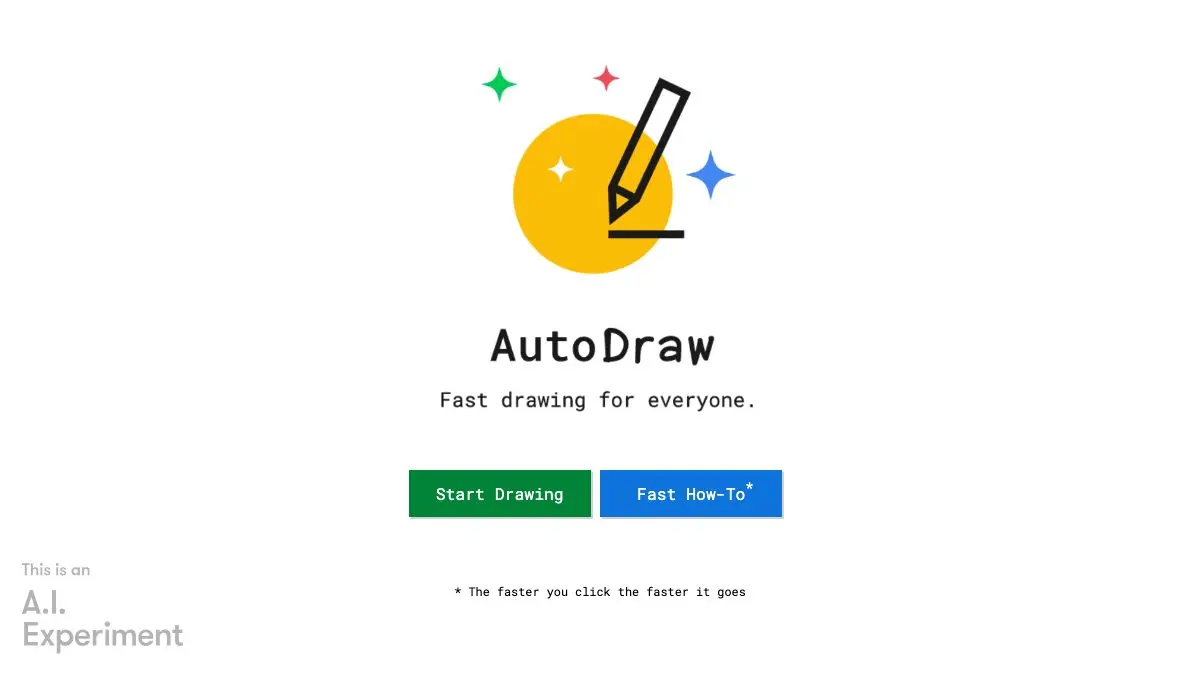
Draw a lopsided blob that was supposed to be a cat. Watch a row of suggestions appear at the top of the screen. Click the cat. Your blob becomes a proper cat, drawn by an actual artist. AutoDraw is Google Creative Lab’s free drawing tool that guesses what you meant and fixes it, and it works on any device with no install and no account.
What is AutoDraw?
AutoDraw pairs machine learning with drawings from talented artists so that people who cannot draw can still produce something that looks drawn. That’s the entire mission statement, and it’s an unusually generous one.
The recognition engine comes from Quick, Draw!, Google’s doodle-guessing game, which learned to identify sketches from millions of hurried human scribbles. AutoDraw takes that ability and points it somewhere useful: instead of guessing your doodle for sport, it offers to replace it with a clean illustration of the same thing.
You draw. Suggestions appear along the top in real time, updating as you add strokes. Click one and the swap happens instantly. The suggestion engine recognizes hundreds of different drawings, and the library keeps growing because artists contribute new illustrations to it.
It launched in May 2017, built by Dan Motzenbecker and Kyle Phillips with colleagues at Google Creative Lab, and it’s been quietly free ever since. It works on a phone, a tablet, a laptop, anything, no installation, no fee.
What can you do on AutoDraw?
- Draw badly on purpose. Genuinely. The worse your scribble, the more impressive the recovery. A three-second squiggle becoming a bicycle never stops being funny.
- Use the regular tools too. There’s a normal freehand draw mode, plus shapes, a fill tool, a text tool and a color picker. You can build a whole scene, not just single objects.
- Make quick icons and diagrams. Need a simple clock, envelope, house or plane for a slide? Scribble it, click the suggestion, done. Faster than searching an icon library.
- Entertain a child, or be the child. It is a phenomenal ten-minute activity. Draw something wrong, get something right, repeat.
- Download or share it. When you’re finished, save the drawing or share it: a whole illustrated scene in about four minutes of work.
Tips to get the most out of it
- Keep strokes simple and closed. The recognizer does best with the essential outline of a thing. Detail, shading and multiple overlapping shapes confuse it. Think icon, not sketchbook.
- Watch the suggestion bar as you draw, not after. It updates live. Sometimes the right guess appears halfway through your stroke and disappears once you add more, grab it when you see it.
- Draw one object at a time. It’s guessing about the whole canvas region, so a page full of half-finished things reads as noise. Finish and swap one item, then start the next.
- Mix real and auto. Use AutoDraw for the objects it knows and the plain draw tool for the connecting bits, arrows, ground lines, speech bubbles. Hybrid scenes look intentional.
- Try nouns it definitely knows. Animals, vehicles, food, weather, household objects and body parts are all well covered. Abstract concepts, not so much. Start concrete and you’ll get more hits.
If you like AutoDraw, also try…
- Quick, Draw!: the game that taught AutoDraw to guess. Twenty seconds per doodle, a neural net calling out its guesses in real time.
- Excalidraw: an infinite hand-drawn-style whiteboard for when the sketch has to communicate something serious.
- JS Paint: MS Paint, resurrected pixel for pixel in your browser. Pure nostalgia with a working spray can.
- Patatap: press a key, get a shape and a sound. Another beautifully pointless afternoon.
More toys worth losing time to in Design & Creativity.
Frequently asked questions
What is AutoDraw?
AutoDraw is a free drawing tool from Google Creative Lab that uses machine learning to guess what you are trying to sketch. As you draw, a row of suggestions appears at the top of the screen, and clicking one replaces your rough scribble with a polished illustration drawn by a real artist.
Is AutoDraw free?
Yes, AutoDraw is completely free with nothing to install and no account required. It runs in the browser and works on phones, tablets, laptops and desktops alike.
How does AutoDraw know what I'm drawing?
It uses machine learning derived from Quick, Draw!, Google's doodle-guessing experiment, to recognize the shape you are sketching, then matches it against a library of illustrations contributed by artists. The suggestion engine can recognize hundreds of different drawings.
Who made AutoDraw?
AutoDraw was built by Dan Motzenbecker and Kyle Phillips with colleagues at Google Creative Lab and launched in May 2017. The illustrations that replace your sketches come from artists who contribute drawings to the tool's library.