// 2026-05-25 · Design & Creativity · by Bob Smith
Coolors: Build a Color Palette With the Spacebar
Coolors generates color palettes instantly, hit the spacebar, lock the shades you love, reroll the rest, then export to CSS, SVG, PDF, ASE or Tailwind.
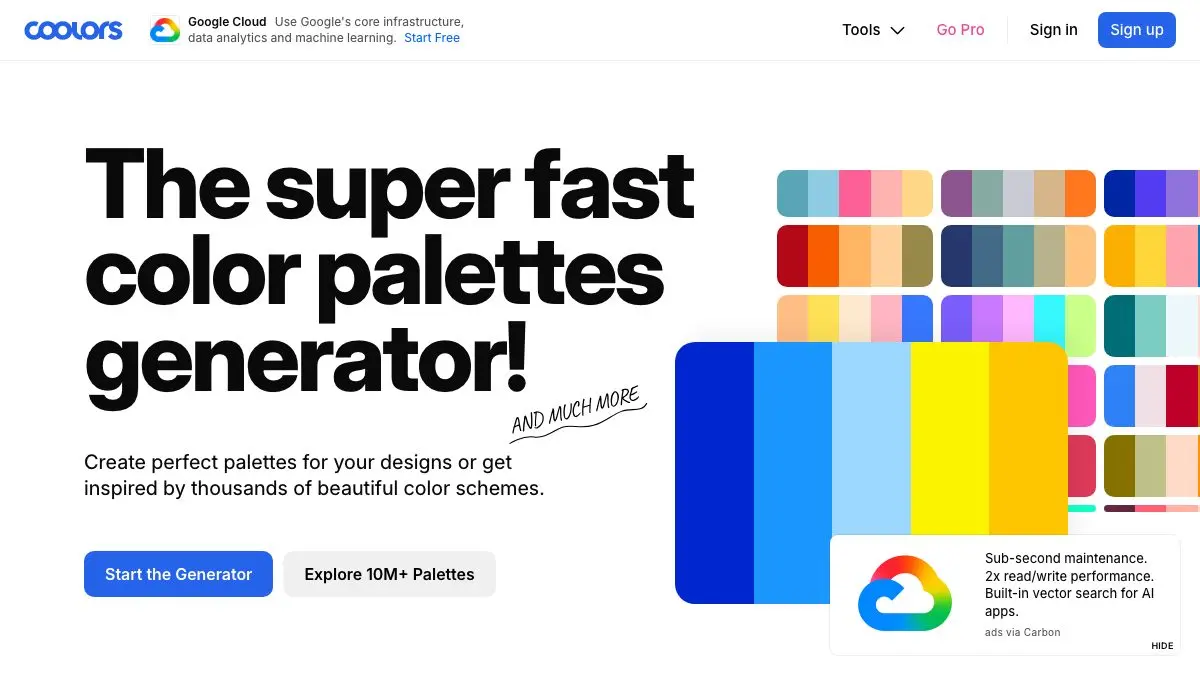
Five colors fill the screen. You hit the spacebar. Five new colors. Spacebar. Again. Coolors is a color palette generator built around that one perfect interaction, and it will absorb far more of your evening than picking colors has any right to. Lock the ones you love, reroll the rest, export when it clicks.
What is Coolors?
Coolors solves the specific paralysis of staring at a color picker wheel with no idea where to start. Instead of asking you to invent a palette, it hands you one, then another, then another, until something sparks.
The loop is the whole magic: five vertical color bars, spacebar to regenerate, click the padlock on any color to freeze it in place. Now the generator works around your fixed point. Found a blue you love? Lock it. Keep rolling until the other four earn their spot. Two locked, three rolling. Then three and two. Within a minute you’ve converged on something you’d never have reached by reasoning about it.
Each bar can also be opened up and adjusted directly, hue, saturation, brightness, or a straight hex value if you already know what you want.
Beyond the generator there’s a browsable explorer with over ten million saved palettes you can filter by topic, style or hex, an Image Picker that pulls colors straight out of a photo, a contrast checker for accessibility, a palette visualizer that previews your colors on real designs, and a color picker page with meaning, usage, variations and conversions for any single color.
What can you do on Coolors?
- Generate and lock. The core ritual. Spacebar until something clicks.
- Steal from a photo. Upload an image and let the Image Picker extract its palette. Sunsets, film stills, packaging, your own photos: instant coherence.
- Browse ten million palettes. When you don’t want to roll, you want to shop. Filter by mood or color.
- Check contrast. Type your text and background colors, see the ratio, find out whether that lovely pale gray is actually readable. Spoiler: it usually isn’t.
- Preview it on a real design. The visualizer drops your colors into mockups so you see the palette as a layout, not as five stripes.
- Export properly. PDF, CSS, SVG, ASE and Tailwind, so the palette lands in whatever you’re actually building in.
- Take it with you. There are iOS apps, a Figma plugin, a Chrome extension and Adobe integrations for Illustrator, InDesign and Photoshop.
Free accounts save 10 palettes, 1 project and 5 favorite colors; Pro lifts the limits.
Tips to get the most out of it
- Lock one color first, always. Starting from a brand color, a photo color or just a hue you like turns pure randomness into directed search. Random rolls with nothing locked are fun but rarely land.
- Roll past the first good one. Your first “ooh, nice” is usually your third-best palette. Keep going for another twenty presses. The spacebar is free.
- Drag the bars to reorder them. Palette order implies hierarchy, which color reads as dominant and which as accent. Same five colors, completely different feel.
- Run every palette through the contrast checker before you commit. Beautiful and unreadable is a very easy trap, especially with mid-tone text on mid-tone backgrounds.
- Aim for one loud color, not three. The palettes that survive contact with a real design usually have one accent doing the shouting and the rest holding back. If everything’s vivid, nothing is.
If you like Coolors, also try…
- Unsplash: free high-resolution photos, and a bottomless source of images to pull palettes from.
- Photopea: a full browser-based image editor to actually apply the colors you just picked.
- Artvee: public-domain artwork in high resolution. Old paintings are an unfairly good palette source.
- Weave Silk: pure color and symmetry with no goal at all, for when you just want to make something pretty.
More visual playgrounds in Design & Creativity.
Frequently asked questions
What is Coolors?
Coolors is a color palette generator. It shows you five colors at once, and every press of the spacebar rerolls them into a new scheme. You can lock any color you like so it survives the next roll, adjust shades by hand, and export the finished palette in formats like CSS, SVG, PDF, ASE and Tailwind.
Is Coolors free?
Yes, the generator is free and works without an account. A free account lets you save up to 10 palettes, 1 project and 5 favorite colors, while a Pro subscription (around $3/month) removes those limits and ads and adds advanced export and AI features.
Can Coolors pull colors out of a photo?
Yes. The Image Picker tool extracts a palette from any photo you upload, so you can build a scheme around a sunset, a book cover or a product shot. It is one of the fastest ways to get a palette that already feels coherent.
Does Coolors check color accessibility?
Yes. Coolors includes a contrast checker that calculates the contrast ratio between a text color and a background color so you can confirm your palette is readable, and its color picker page shows accessibility information alongside variations and conversions for any given color.