// 2026-05-26 · Design & Creativity · by Bob Smith
Unsplash: Free High-Res Photos, No Strings
Unsplash gives you high-resolution photographs free for commercial and personal use, with no attribution required, a huge library and no stock-photo cheese.
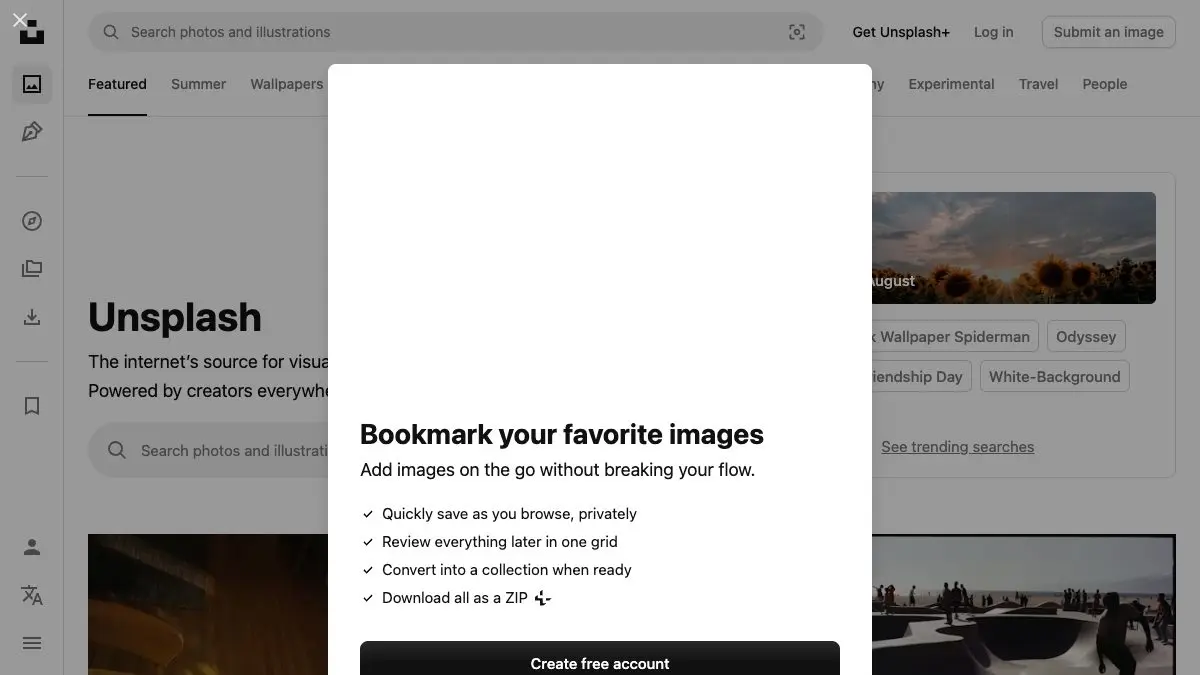
You need a photo. It has to look good, it has to be big enough to print, and it has to be legally usable. Unsplash solves all three: high-resolution photographs, free for commercial and personal use, no attribution required. Search, download, ship. There’s no watermark, no invoice and no lawyer.
What is Unsplash?
Unsplash started as a rebellion against stock photography, against the businessman shaking hands, against the woman laughing alone with salad, against the watermarks stamped across everything until you paid.
The idea was radically simple: photographers upload real photographs, and everyone else gets to use them for free. Not “free with a link back.” Not “free for non-commercial use only.” Free, including commercially, with no permission needed from anyone.
The Unsplash License spells it out. You can download, copy, modify, distribute and use the images at no cost, for commercial and non-commercial purposes, without asking. Attribution isn’t legally required, though Unsplash points out that photographers appreciate it because it drives exposure and keeps them uploading.
There are exactly two rules. You can’t sell the images themselves without significant modification, and you can’t scrape the library to build a competing service. That’s it. That’s the fine print.
The result is a library that doesn’t look like stock. It looks like photographs, moody landscapes, honest street scenes, textures, workspaces, hands doing things, weather. Some of it is very good. Some of it is on eleven thousand websites already. Learning to tell the difference is the skill.
What can you do on Unsplash?
- Search by anything. Subject, mood, color, place. “Foggy,” “brutalist,” “morning coffee”: the search understands vibes better than most stock sites understand nouns.
- Grab hero images and backgrounds. The download sizes are genuinely large, so a photo can carry a full-width website header or a printed piece.
- Build slide decks that don’t embarrass you. One good full-bleed photo beats four clip-art icons every single time.
- Follow photographers and collections. Collections are curated sets around a theme, and they’re a much better browsing experience than raw search when you’re not sure what you want.
- Make things. Posters, book covers, mockups, T-shirts, album art. Commercial use is allowed, so you can actually sell the thing you make with it.
Tips to get the most out of it
- Skip the first row. The top results are the most-downloaded images, which means they’re the ones you’ve already seen on six other websites. Scroll to the third screen and the pictures stop looking familiar.
- Search adjectives, not nouns. “Team meeting” gets you generic. “Rain,” “empty,” “1970s,” “overexposed” get you something with a point of view.
- Use collections as a mood board. When you find one image that’s right, open the photographer’s profile and their collections, you’ll usually find the whole visual family, which keeps a project consistent.
- Credit anyway. It costs you a line of text and it keeps good photographers uploading. The license doesn’t require it; the ecosystem runs on it.
- Modify to make it yours. Crop hard, recolor, overlay, combine. The images everyone recognizes stop being recognizable the moment you treat them as raw material instead of a finished piece. Also worth remembering: identifiable people and trademarks in a photo can still carry their own restrictions in advertising contexts, no matter how free the file is.
If you like Unsplash, also try…
- Coolors: pull a palette straight out of the photo you just downloaded, then build the rest of the design around it.
- Artvee: high-resolution public-domain paintings, posters and illustrations. A completely different visual register, equally free.
- remove.bg: cut a subject out of any photo in seconds so you can drop it onto your new background.
- Photopea: a free browser-based editor to actually put it all together.
More free creative fuel in Design & Creativity.
Frequently asked questions
What is Unsplash?
Unsplash is a library of high-resolution photographs that can be downloaded and used for free under the Unsplash License, including for commercial projects. Photographers contribute their work, and anyone can search, download and use the images without asking permission or paying a fee.
Is Unsplash free, and do I have to credit the photographer?
Yes, all images can be downloaded and used for free, and attribution is not legally required. Unsplash notes that photographers appreciate credit because it gives their work exposure and encourages them to keep sharing, so crediting is good manners rather than a legal obligation.
Can I use Unsplash photos commercially?
Yes. The Unsplash License explicitly permits commercial use with no permission needed from the photographer or from Unsplash. You may download, copy, modify, distribute and use the images in commercial work.
What can't you do with Unsplash photos?
Two things are off-limits under the Unsplash License: you cannot sell the images without significant modification, and you cannot compile Unsplash photos to build a competing or similar service. Everything else, websites, ads, prints, presentations, products, is fair game.