// 2026-05-02 · Design & Creativity · by Bob Smith
Photopea: Free Photoshop That Runs in Your Browser
Photopea is a full-featured image editor that opens PSD files right in a browser tab. Layers, masks, smart objects, RAW support, no install, no account.
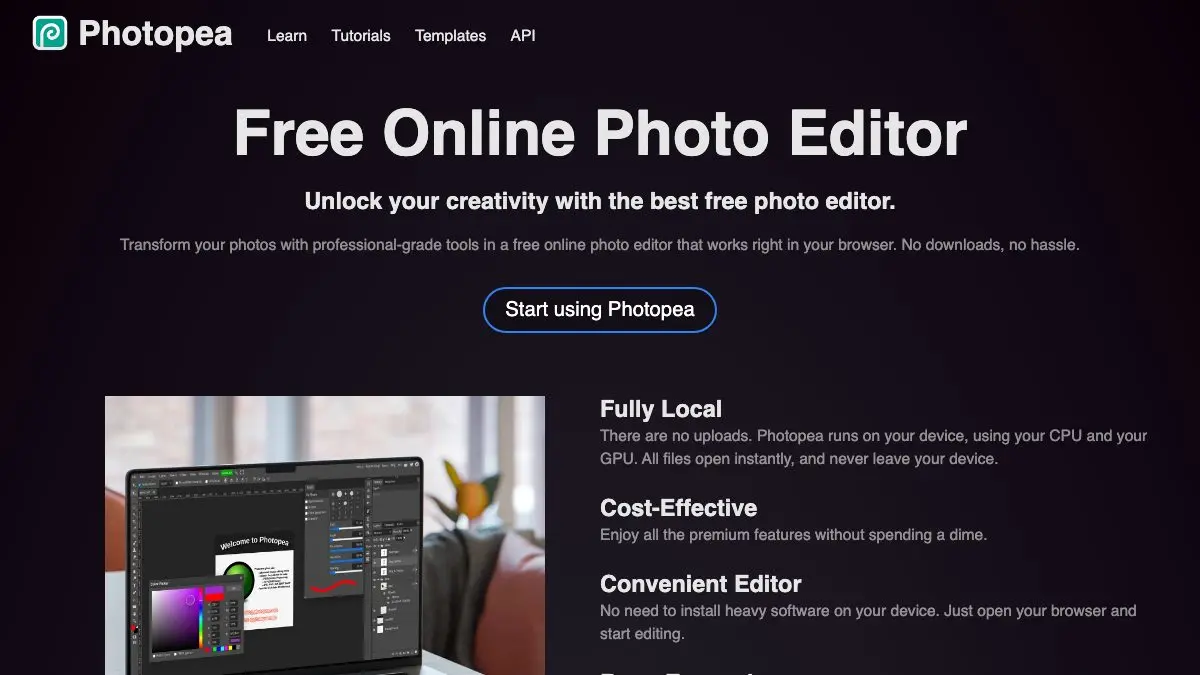
Photopea is a full-blown image editor that lives in a browser tab. Open the URL and you get layers, masks, curves, blend modes, the pen tool, smart objects and a menu bar that will feel eerily familiar to anyone who has ever touched Photoshop. It opens PSD files. It costs nothing. There is no download and no sign-up.
If you have ever been sent a .psd and had no way to open it, this is the answer.
What is Photopea?
Photopea is the work of one developer, Ivan Kutskir, who apparently decided that a professional-grade raster and vector editor should just be a website. It is not a stripped-down “web version” of anything, it is its own program, and it is startlingly complete.
The interface is deliberately a Photoshop lookalike: tools down the left, layers panel bottom-right, history above it, the same keyboard shortcuts. If you know Photoshop, you already know Photopea. If you don’t, every tutorial ever written for Photoshop mostly applies here anyway.
The quiet superpower is file compatibility. Photopea reads PSD with its layer stack intact, plus GIMP’s XCF, Sketch, Adobe XD, Illustrator AI and PDF, and camera RAW files from most manufacturers. It is the universal adapter of image formats, the thing you open when someone hands you a file in a format you don’t own software for.
And it’s local. The editing happens in your browser, on your machine. Load the page once and you can keep working with the network unplugged.
What can you do on Photopea?
Genuinely a lot:
- Edit PSDs properly: layers, groups, layer masks, clipping masks, adjustment layers, layer styles, blend modes. Not a flattened preview.
- Retouch photos with the healing brush, clone stamp, dodge and burn, and content-aware-style patching.
- Cut things out using the magic wand, quick selection, the pen tool, or select-and-refine for hair and fur edges.
- Develop RAW files from a camera and push them straight into a layered composition.
- Do vector work: shapes, paths, editable text, and SVG export.
- Batch-ish work with templates: open a PSD mockup, swap a smart object, export. The classic designer chore, free.
- Export to PNG, JPG, WebP, SVG, GIF, PDF and back out to PSD.
There are also built-in template sizes for social and web assets, and animated GIF export if you like living dangerously.
Tips to get the most out of it
Learn three shortcuts and you’re 80% faster. Ctrl/Cmd + T for free transform, Ctrl/Cmd + J to duplicate a layer, and Alt/Option + click between layers to clip one to the other. These do most of the daily work.
Use it as a file converter. Drag in a RAW, an AI file or a PDF, hit File → Export As, done. No installer, no trial period, no account wall. It’s the fastest format rescue on the internet.
Bump the undo history. The free tier’s history is generous but finite. If you’re doing long retouching sessions, save incrementally as PSD rather than trusting the stack.
Work in a desktop browser. Photopea technically runs on a phone, but it’s a mouse-and-keyboard application in its bones. Give it a real screen.
Save as PSD if the file is going anywhere else. Exporting to PNG flattens everything. If a collaborator needs to keep editing, hand them a PSD, Photopea writes them cleanly.
Load it before you need it. Since the app runs locally once loaded, opening the tab in advance means you can edit on a plane, on a train, or on hotel wifi that’s pretending to work.
If you like Photopea, also try…
- Squoosh: Google’s in-browser image compressor with a side-by-side quality slider. Perfect partner for exporting web assets.
- remove.bg: when you just need the background gone in two seconds and don’t want to touch a selection tool.
- Piskel: free browser sprite editor for animated pixel art, with onion-skinning and GIF export.
- Excalidraw: different job entirely, but the same no-account, opens-instantly philosophy for diagrams and sketches.
More tools like this in Design & Creativity.
Bookmark Photopea now, before the day you get emailed a PSD. Future you will be smug.
Frequently asked questions
What is Photopea?
Photopea is a free, browser-based image editor that works like Photoshop. It supports layers, masks, adjustment layers, blend modes and smart objects, and it opens native PSD files as well as XCF, Sketch, XD, PDF and camera RAW formats. Everything runs inside the browser tab with no installation.
Is Photopea free?
Yes. The full editor is free and ad-supported, with no account required and no watermarks on your exports. There is an optional paid tier that removes the ads and raises the undo history, but every editing tool is available on the free version.
Does Photopea upload my files to a server?
No. Photopea does the editing locally in your browser, so images you open stay on your own machine unless you deliberately save them to a cloud service. You can even keep using it after the page has loaded and your connection drops.
Can Photopea open PSD files?
Yes, and that is its headline trick. Photopea opens Photoshop PSD files with layers, groups, masks and text intact, lets you edit them, and can save them back out as PSD as well as PNG, JPG, SVG, GIF and PDF.