// 2026-08-05 · Productivity · by Bob Smith
PDFescape: Edit, Fill and Annotate PDFs Without Installing Anything
PDFescape is a browser-based PDF editor for filling forms, adding text, annotating and rearranging pages. No install, no Acrobat license, works on any machine.
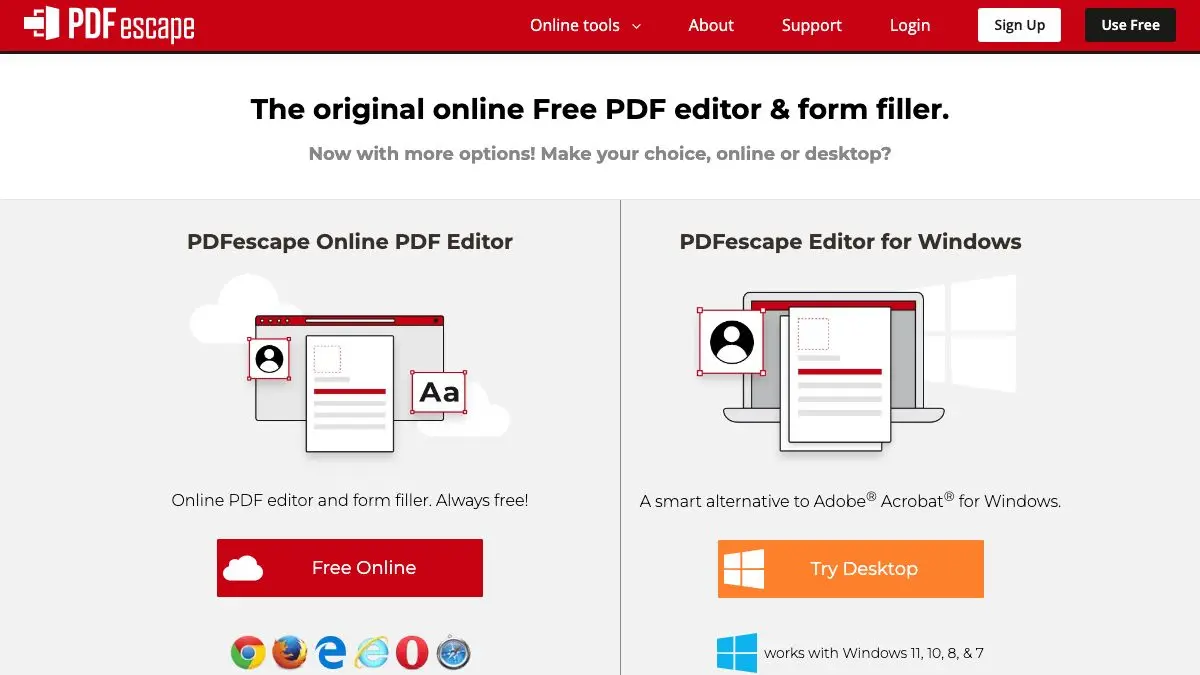
PDFescape exists because of a specific, universal moment of frustration: someone has emailed you a PDF form, you need to fill it in and send it back, and the only obvious path involves printing it, writing on it with a pen, finding a scanner, and losing forty minutes of your life. PDFescape removes the pen and the scanner entirely. Upload, type, download, done.
It has been doing this since well before every other site offered PDF tools, and it still handles the awkward cases better than most.
What is PDFescape?
PDF was designed to be a final format. The whole point of the specification is that a PDF looks identical everywhere and is not supposed to be casually rewritten. That design goal has aged into a daily annoyance, because the world now uses PDFs for exactly the thing they resist: forms that need filling in and documents that need marking up.
PDFescape is a browser-based editor built for that gap. You load a document and get a toolbar of the operations people actually need. Add a text box anywhere. Fill in real form fields if the document has them. Draw a line, add an arrow, highlight a passage, drop in a sticky note. White out a paragraph you do not want. Insert an image, which is how most people get their signature onto a document.
Underneath the annotation tools there is a page manager, and this is the underrated half of the product. Rotating a page that was scanned sideways, deleting the blank sheet at the end, moving page seven before page six, merging two documents into one, cropping the margins: all of these are jobs that seem like they should be trivial and are genuinely irritating without a tool.
There is a free browser tier with limits on file size and page count, plus paid plans and a separate installed desktop application for people who need more. The free tier is sized around ordinary documents, which is to say it covers the overwhelming majority of what anyone is trying to do at 11pm the night before a deadline.
The interface is not beautiful. It looks like utility software from an earlier era of the web, and it does not particularly care. What it is, is complete: fewer moments where you hit a wall and discover the operation you need is not offered at all.
What can you do with PDFescape?
- Fill in a form that has real form fields. Click, type, tab to the next field, download the completed file.
- Fill in a form that does not. Place your own text boxes on top of a flat or scanned document and type wherever you like.
- Add a signature as an image. Photograph or scan your signature once, then drop the file onto the signature line.
- White out content. Cover text you need removed before sending the document on.
- Annotate. Highlights, sticky notes, freehand drawing, arrows and shapes for marking up a draft.
- Reorganize pages. Delete, rotate, reorder, crop, and merge pages into a single document.
- Create a fillable form. Add real form fields to a document so other people can fill it in properly.
- Password protect a file. Restrict who can open or modify the document you send out.
Tips to get the most out of it
Prepare your signature once. Sign a white sheet of paper, photograph it in good light, crop it tight and save it as a transparent PNG. That single file will serve you for years across every PDF tool you ever use.
Check whether the form has real fields before improvising. If clicking on a line produces a cursor, the document has proper form fields and will behave much better than hand-placed text boxes. Only reach for your own text boxes when it does not.
Match your text to the document. A hand-placed box defaults to whatever font and size it feels like. Spend ten seconds shrinking it to match the surrounding print and the finished form looks filed rather than defaced.
Do the page surgery first. Rotate, delete and reorder pages before you start annotating. Rearranging afterward is where alignment goes wrong.
Think before you upload something sensitive. Browser editing means the file travels to a server. For a school form or a rental application that is fine; for anything with financial or medical detail, use offline software instead.
Always download and reopen the result. Verify the exported file looks right in a plain viewer before sending it. It takes five seconds and catches the occasional text box that moved.
If you like PDFescape, also try…
- iLovePDF: the other great browser PDF toolkit, especially strong at merging, splitting and compressing.
- CloudConvert: converts PDFs to and from almost every other format when editing is not the answer.
- Photopea: a full image editor in a browser tab, useful for cleaning up a scanned signature or page.
- Notepad: the same no-install philosophy, applied to plain text.
More paperwork-flattening tools in Productivity, with plenty of neighbors in Tools & Utilities.
Frequently asked questions
What is PDFescape?
PDFescape is an online PDF editor that runs in a web browser. You upload a PDF and can then add text, fill in form fields, insert images, add annotations, white out content, and rotate, delete or reorder pages. There is also a paid desktop application, but the browser version covers most everyday tasks.
Is PDFescape free?
There is a free tier that works in the browser without payment, alongside paid plans that add features and remove some limits. The free version has restrictions on things like file size and page count, so very large documents may need one of the paid tiers or a different tool.
Can PDFescape fill in a form that has no form fields?
Yes, and this is the feature most people come for. If a PDF is really just a scan or a flat document with lines on it, you can place your own text boxes anywhere on the page and type into them. The result prints and exports the same as a properly built form.
Is it safe to upload documents to PDFescape?
Any browser-based editor means uploading your file to someone else's server, which is a reasonable thing to think about before sending a contract or medical record. For genuinely sensitive documents, an offline desktop editor is the safer choice. For a permission slip or an invoice, the convenience usually wins.