// 2026-08-05 · Tools & Utilities · by Bob Smith
Puter: A Whole Desktop Operating System in a Browser Tab
Puter is an open-source 'internet computer': a full desktop with windows, a file manager, apps and cloud storage, running entirely inside a browser tab.
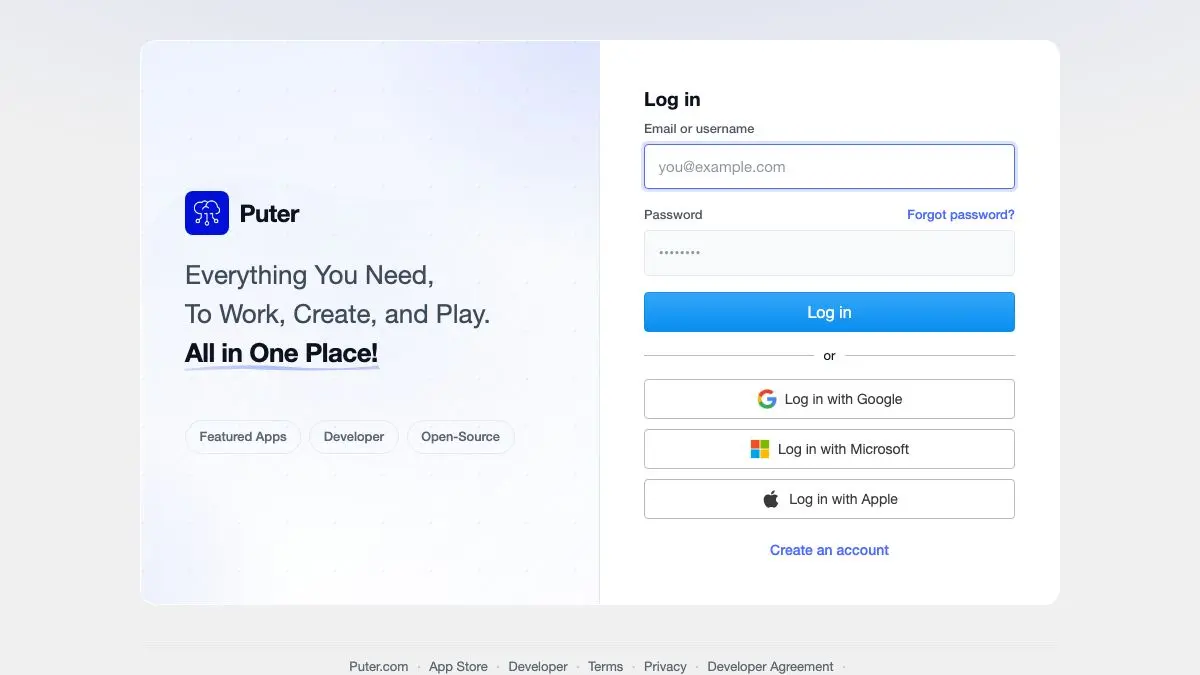
Puter opens to a desktop. Not a web app that looks vaguely desktop-ish, an actual desktop: wallpaper, icons, a taskbar, windows you can drag, resize, minimize and tile. There is a file manager with folders. There is a text editor, an image viewer, a terminal, a settings panel. All of it is running in a browser tab, and the whole thing is open source.
The first minute is disorienting in a very specific way. Your instinct is that something has gone wrong with your window manager.
What is Puter?
Puter calls itself an “internet computer,” which is marketing language for a genuinely interesting idea: take the desktop metaphor, the one everyone already knows, and rebuild it as a web application with cloud storage underneath.
That sounds like a novelty until you use it. The file system is real, in the sense that files you create persist to your account and are there when you come back on a different machine. The apps operate on those files the way desktop apps do: open, edit, save, drag between windows. The interaction model is the one you have used since childhood, and it translates to the browser better than you would expect.
Technically it is a web-based desktop environment plus an application platform. Puter exposes an SDK so third-party apps can run inside it and use its file system, storage and authentication. That is the more ambitious half of the project: not just a desktop demo, but a place where web apps can live and share a common file store, the way desktop apps share yours.
It is open source under a permissive license, and self-hosting is a first-class option rather than an afterthought. Run your own instance and you get the same interface with your files on your own server. For anyone who likes the idea of a personal cloud but does not want to assemble one out of six separate services, this is a compelling shortcut. The hosted version is free to sign up for and gives you a storage allowance, with paid tiers if you need more, plus a guest mode for poking around first.
Is it going to replace your actual computer? No, and it does not claim to. It cannot run native software and it is bounded by what a browser can do. But as a portable workspace you can reach from any machine, including one you do not own, it is a strange and useful thing to have.
What can you do with Puter?
- Use it as a portable desktop. Sign in from any browser and your files, layout and apps are there. Handy on a borrowed or locked-down machine.
- Manage files properly. A real file manager with folders, drag and drop, rename, move and upload, rather than a flat list of cloud documents.
- Open the built-in apps. Text editor, code editor, image viewer and editor, PDF viewer, music and video players, a terminal, and a handful of others.
- Run it as a demo of what browsers can do. If you build for the web, Puter is a persuasive argument about how far the platform has come.
- Self-host your own instance. Clone the repo, run it on your own hardware, and keep everything local.
- Build apps on top of it. The SDK lets you write web apps that use Puter’s storage, auth and file system, so you get a backend without building one.
- Share files and folders. Storage is cloud-backed, so items can be shared out rather than trapped on one device.
Tips to get the most out of it
Try the guest session first. You can explore the desktop without creating an account, which is the fastest way to decide whether the concept appeals to you before handing over an email address.
Treat it as a second computer, not your main one. Puter is excellent as a scratch workspace, a place to stash files you need across machines, or a sandbox. Putting your only copy of anything important in a browser tab is asking for trouble.
Keep backups elsewhere. This applies to any hosted service, but it applies double to a free tier on an independent project. Download anything you would miss.
Read the self-hosting docs if you like the idea but not the hosting. Running your own instance sidesteps every question about where your files live and who is paying for the storage.
Poke at the developer SDK. Even if you never ship a Puter app, reading how it exposes a file system and auth to third-party web apps is a good hour for anyone curious about app platforms.
Give it a proper browser and a real connection. It is a heavy web application. On an old phone over a bad connection, the illusion of a desktop falls apart quickly. On a laptop with a decent connection it holds up surprisingly well.
If you like Puter, also try…
- Windows 93: the joke version of the same idea, a fake desktop OS built entirely for chaos.
- Photopea: a full image editor in a tab, and the best single proof that browsers can host real software.
- Silex: another open-source tool that gives you serious capability without vendor lock-in.
- PairDrop: move files between your devices in a browser, no account and no cables.
More browser-based heavy machinery in Tools & Utilities, and more open-source oddities in Weird & Wonderful.
Frequently asked questions
What is Puter?
Puter is an open-source desktop environment that runs in a web browser. It presents a familiar operating-system interface, with a desktop, draggable windows, a taskbar, a file manager and a set of built-in apps, all served as a web application backed by cloud storage.
Is Puter free?
The hosted service is free to use with an account, and the source code is open under a permissive license so you can self-host your own instance. Paid plans exist for larger storage allowances on the hosted version.
Is Puter a real operating system?
Not in the kernel sense. It does not manage hardware or run native binaries. It is a desktop environment and application platform implemented in the browser, so it gives you the interface and the file system model of an OS without replacing the one your machine actually runs.
Can I self-host Puter?
Yes. The project is open source and publishes instructions for running your own instance, including containerized setups. Self-hosting means your files stay on infrastructure you control, which is the main reason people choose it over the hosted version.