// 2026-06-13 · Weird & Wonderful · by Bob Smith
Pink Trombone: Play a Human Throat With Your Mouse
Pink Trombone is an interactive human vocal tract you can pinch and stretch. Drag the tongue, shape vowels, make it talk. Free, strange, oddly educational.
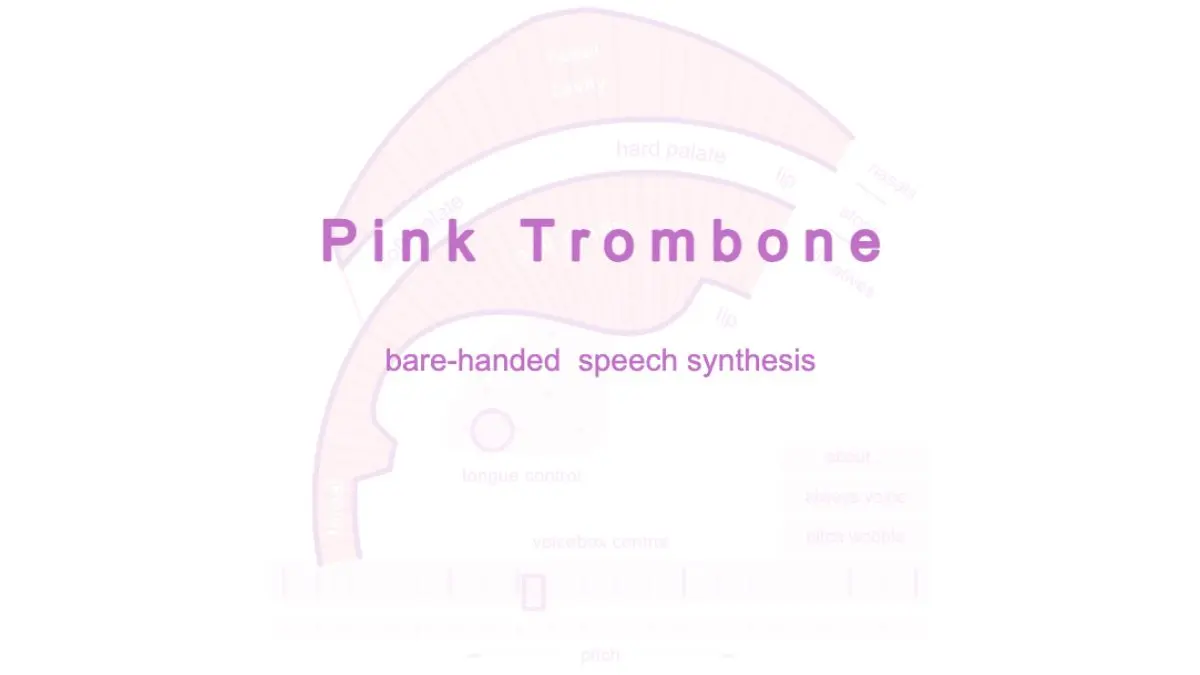
Pink Trombone is an interactive human throat. You get a cutaway diagram of a vocal tract, glottis, tongue, palate, nasal cavity, and you can drag any of it around with your mouse while it makes noise in real time. Shape the tongue and you get vowels. Pinch the airway and you get consonants. Keep going and you can make it say actual words. Its creator calls it bare-handed speech synthesis, which is exactly right and also slightly unsettling.
What is Pink Trombone?
Made by Neil Thapen, Pink Trombone is a physical model of how speech is produced, rendered as something you play with your hands.
Here’s the mechanism, in the site’s own terms: sound is generated in the glottis at the bottom left, then filtered by the shape of the vocal tract. The voicebox controls the pitch and intensity of that initial sound. Everything else, every vowel, every consonant, every strangled honk, comes from how you deform the tube it travels through.
That’s the genuinely brilliant part. This isn’t a soundboard playing recorded phonemes. It’s a simulation of the actual acoustics. When you move the tongue and hear the vowel change, you are hearing real physics, which is why it feels so uncannily alive.
What can you do on Pink Trombone?
- Make vowels. Move the body of the tongue around the oral cavity. A, E, I, O and U are all just tongue positions, and finding them yourself is a small revelation.
- Make fricatives. Touch the oral cavity to narrow it and you get the hissy consonants: s, sh, f, th.
- Make stops. Touch above the oral cavity to close it completely, then release. That’s your t, k, p and b.
- Go nasal. Touch the nasal cavity to open the velum and let sound flow through the nose. Instant m and n, and instant head cold.
- Play the voicebox. Drag the glottis to control pitch and intensity: this is where you get it to sing, croak or scream.
- Toggle “always voice” and “pitch wobble.” Two small switches that make the difference between an obvious synthesizer and something that sounds disconcertingly like a person.
Tips to get the most out of it
Turn on both toggles first. Always voice and pitch wobble should basically be the default. Without them you’re wrestling the glottis with one hand while trying to talk with the other, and it’s much harder to hear what you’re doing.
Say the sound out loud yourself, then copy it. The fastest way to make Pink Trombone produce an “ee” is to say “ee” and notice where your own tongue goes. Then put its tongue there. Your mouth is the instruction manual.
Aim for “hello” as your first word. It’s a forgiving target: a breathy start, two clear vowels, and no tricky stops. Once you can do it, “mama” and “wow” follow quickly.
Move slowly between positions. Speech is transitions, not fixed shapes. Sliding the tongue smoothly from one vowel to the next is what makes it sound like a voice rather than a series of tones.
Use two fingers on a touchscreen. On a tablet you can hold the glottis with one hand and shape the tract with the other, which is much closer to how a real vocal tract works, and it’s the only way to get expressive with it.
If you like Pink Trombone, also try…
- Patatap: another instant instrument, this one played with the whole keyboard.
- Chrome Music Lab: hands-on experiments that teach acoustics by letting you break them.
- Bartosz Ciechanowski: long, gorgeous interactive explanations of how physical things actually work.
- The Useless Web: for when you want more of this specific brand of internet strangeness.
Find more oddities in Weird & Wonderful and Learning & Education.
Open Pink Trombone, grab the tongue, and try to say your own name. Nobody has ever done this quietly.
Frequently asked questions
What is Pink Trombone?
Pink Trombone is a free browser toy by Neil Thapen that simulates a human vocal tract in real time. Sound is generated at the glottis and then filtered by the shape of the tract, which you reshape by dragging the tongue and touching different parts of the mouth. The site describes itself, accurately, as bare-handed speech synthesis.
Is Pink Trombone free?
Yes, it is completely free and runs in your browser with nothing to install and no account needed. You just tap or click to start and it makes noise immediately.
How do you make Pink Trombone talk?
Move the body of the tongue to shape vowels, touch the oral cavity to narrow it for fricative consonants like s and f, touch above the oral cavity to close it for stop consonants like t and k, and touch the nasal cavity to open the velum so sound flows through the nose. Chaining those moves in sequence is how you get recognizable words.
What are the always voice and pitch wobble controls?
Those are the two toggles near the voicebox. Always voice keeps the vocal folds vibrating continuously so you don't have to hold the glottis, and pitch wobble adds a natural vibrato to the tone instead of a flat synthetic pitch. Turning both on makes the voice sound noticeably more human.