// 2026-08-05 · Design & Creativity · by Bob Smith
Polotno Studio: A Canva Alternative With No Signup At All
Polotno Studio is a free browser design editor for social graphics, posters and flyers. It opens straight into the canvas, no account, no watermark, no upsell.
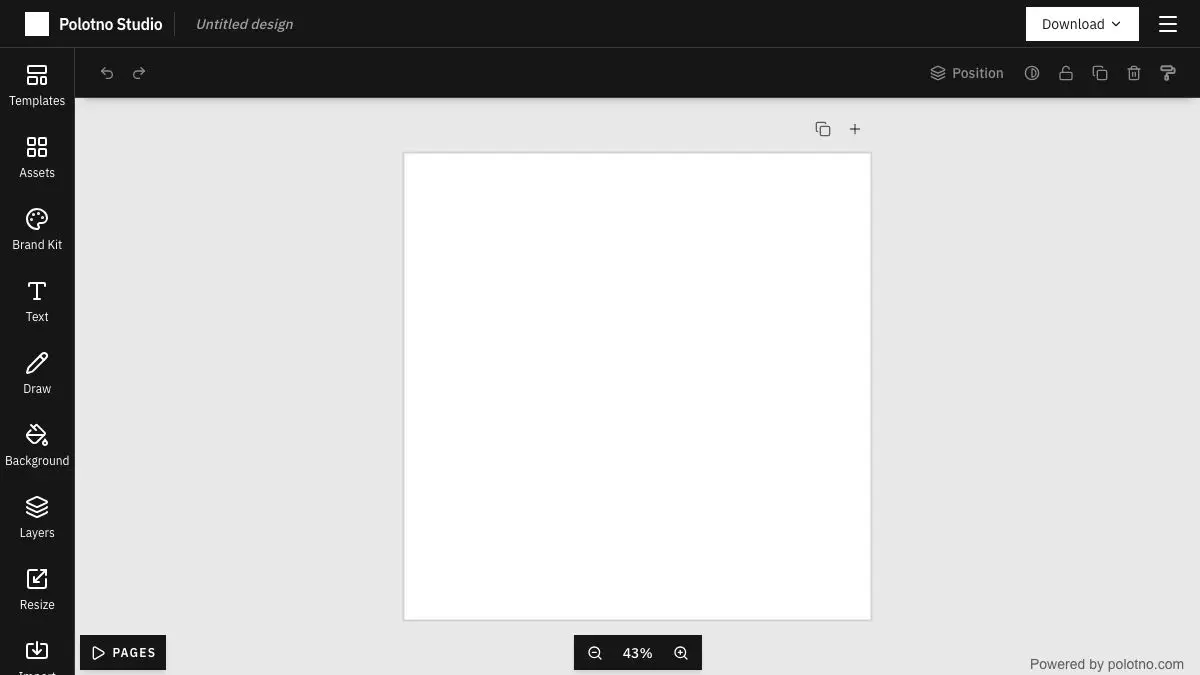
Polotno Studio opens directly into a design canvas. No account screen, no “choose your plan,” no email verification, no three-question survey about what you do for work. You click the link and you are in an editor with templates, text, shapes, images and an export button.
If you have ever needed to make one Instagram post at nine in the morning and been asked to create an account first, you will understand why this is worth writing about.
What is Polotno Studio?
Polotno Studio is the public demo of a JavaScript library called Polotno, which developers license to embed a Canva-style design editor inside their own products. Because the demo has to prove the library can do everything, the free studio ends up being a genuinely complete design tool rather than a crippled teaser.
The business model is the reason it stays free and unnagging: the money comes from companies licensing the SDK, not from you. There is nobody upselling you to Pro because you are not the customer, you are the proof.
Functionally it covers the territory most people actually need. A canvas at a chosen size, layers, text with a decent font list, shapes, uploaded images, stock photos and icons, background removal, filters, alignment tools, and export to PNG, JPEG, PDF or SVG. It also does multi-page documents, which is more than a lot of quick-graphic tools bother with.
The important structural difference from the big design suites is where your work lives. There is no cloud account, so your project sits in your browser. That is a genuine trade-off: nothing to sign into, but also nothing syncing to your phone, and clearing your browser data means clearing your designs. Treat it as a workshop, not a filing cabinet.
For a specific and common category of task, a social post, a flyer, a thumbnail, a quick poster for the office kitchen, that trade is usually the right one. You are not building a brand system in here. You are making one image and leaving.
What can you do with Polotno Studio?
- Start from a template. Presets for social formats, posters and flyers, sized correctly so you do not have to look up what an Instagram story is in pixels.
- Set a custom canvas size. Type the dimensions you actually need instead of hunting through a preset list.
- Add and style text. A solid font selection, plus color, spacing, alignment and simple effects. Enough for a headline that does not look default.
- Drop in your own images. Upload from your device and crop, mask, filter or place them behind text.
- Remove backgrounds. A built-in background remover for cutting a subject out of a photo without opening another tool.
- Use stock photos, icons and shapes. A searchable built-in library so a placeholder graphic is a few seconds away.
- Build multi-page documents. Useful for a short deck, a two-sided flyer or a small zine.
- Export in real formats. PNG, JPEG, PDF and SVG, no watermark, no account, no waiting screen.
Tips to get the most out of it
Export the moment you are happy. Your work lives in the browser, not on a server. Download the file before you close the tab, and save the project file too if you might come back to it.
Set the canvas size before you design, not after. Resizing a finished layout is where designs go to die. Decide the output format first and build to it.
Bring your own font as an image if it matters. The font list is good but finite. For a one-off headline in a specific typeface, setting the type elsewhere and importing it as a transparent PNG is faster than fighting the picker.
Use the background remover on product shots. It is one of the genuinely time-saving features and it turns a photo taken on a kitchen table into something you can put on a colored panel.
Pick your palette outside the tool. Choose four colors before you start and stick to them. Three well-used colors and one accent will beat anything you improvise from the color picker mid-layout.
Do not use it as your archive. If a design matters, or you will need to edit it in six months, export the source file and store it somewhere real. Browser storage is not a backup.
If you like Polotno Studio, also try…
- Photopea: a free browser Photoshop for when you need real layers, masks and raw editing power.
- Color Hunt: grab a four-color palette before you open the canvas.
- Unsplash: free high-quality photos to drop straight into a layout.
- remove.bg: a dedicated background remover when the built-in one needs a second opinion.
More free tools for making things in Design & Creativity and Tools & Utilities.
Frequently asked questions
What is Polotno Studio?
Polotno Studio is a free, browser-based graphic design editor for making social media posts, posters, flyers and simple layouts. It works like Canva, drag elements onto a canvas, add text, resize, export, but it opens directly into the editor with no account required. It is also a public demo of the Polotno JavaScript library, which developers can license to embed a design editor in their own products.
Is Polotno Studio free?
Yes, the studio at studio.polotno.dev is free to use and does not require signing up or paying to export your design. The commercial side of the project is the developer SDK, which companies license to build editors into their own apps, so the studio itself functions as a showcase.
Does Polotno Studio add a watermark?
No. Designs export cleanly as PNG, JPEG, PDF or SVG without a watermark. Some features may be limited compared to a paid design suite, but the export itself is not held back.
Can I use Polotno Studio offline or save my work?
Work is kept in your browser rather than in a cloud account, so it persists on the same device and browser but does not sync elsewhere. You can save a project file and reopen it later, and the safest habit is to export or download your project when you finish a session.