// 2026-08-05 · Privacy & Security · by Bob Smith
Privacy Guides: The Recommendation List That Isn't Selling You Anything
Privacy Guides is a non-commercial, community-maintained directory of privacy-respecting software and services, built around threat modeling instead of paranoia.
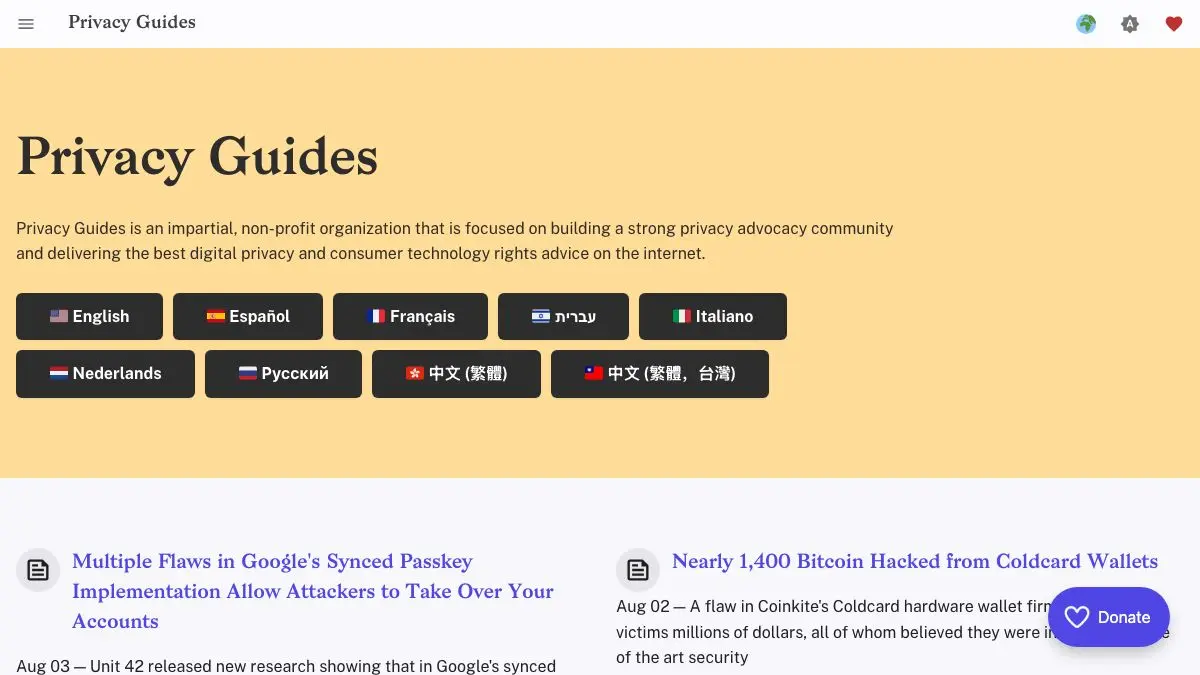
Privacy Guides is what you get when a group of people decides to write the honest version of “best VPN 2026.” No affiliate links. No sponsored placement. No breathless top-ten list where the number one product happens to pay the highest commission. Just published criteria, a stated reason for every recommendation, and a public argument you can go read if you disagree.
It also does the thing almost nobody else does: it tells you to figure out what you are actually worried about before you install anything.
What is Privacy Guides?
The privacy recommendation space is unusually corrupted. Search for a private email provider and you will find pages of review sites whose rankings are effectively a rate card. Privacy Guides was built specifically to not be that. It is a non-profit, volunteer-run project, funded by donations, that explicitly refuses affiliate revenue on the grounds that you cannot trust a recommendation from someone paid by the recommendee.
The site is organized as a set of recommendation pages: browsers and extensions, search engines, email providers and email aliasing, encrypted messengers, VPNs, password managers, file encryption, cloud storage, operating systems for desktop and mobile, DNS resolvers, and more. Each page opens with the criteria a tool has to meet before it can appear, so the reasoning is visible before the list is.
The other half of the site is the knowledge base, and it is arguably the more valuable half. There are explainers on how DNS works, what a VPN does and does not protect you from, why “military-grade encryption” is a marketing phrase, and how account compromise actually happens in practice. It is consistently more measured than the surrounding internet: several pages exist mainly to talk you out of a popular idea that does not survive contact with how the technology works.
Underneath it all sits threat modeling. The project’s position is that there is no such thing as being private in general, only private against a specific adversary with specific capabilities. Someone avoiding behavioral advertising, someone escaping an abusive ex-partner, and someone protecting a source from a state agency need three different setups, and pretending otherwise produces advice that is both exhausting and ineffective.
Everything is developed in the open. Discussions happen on a public forum, changes go through a public repository, and when a recommended service is acquired or changes its encryption model there is usually a visible argument about whether it stays.
What can you do with Privacy Guides?
- Build a threat model first. The introductory guide walks you through naming what you are protecting, from whom, and how much trouble you are willing to accept to do it.
- Pick tools by category. Browsers, messengers, email, VPNs, password managers, note apps, cloud storage, DNS, mobile and desktop operating systems, each with vetted options rather than an exhaustive dump.
- Read the criteria before the picks. Every section states its requirements up front, which lets you evaluate tools that are not on the list using the same standard.
- Learn the underlying concepts. The knowledge base covers encryption, DNS, metadata, account security and common threats in language written for humans.
- Find out what a tool does not do. The write-ups are unusually good at stating limitations, especially for VPNs, which are routinely oversold.
- Follow the reasoning in public. The forum and repository show why a recommendation exists and what the arguments against it were.
- Check it again later. Because tools change hands and change policies, the list is maintained rather than published once and abandoned.
Tips to get the most out of it
Do the threat model, even though you want to skip it. Everyone wants to jump to the tool lists. Twenty minutes with the threat modeling page will save you from installing six things you do not need and one thing that actively makes your life worse.
Change one thing at a time. Migrating your browser, email, messenger and password manager in a single weekend is how people end up locked out of accounts and reverting the whole project. Pick the highest-impact change, live with it for a couple of weeks, then move on.
Start with the password manager. It is the single change with the best ratio of security gained to daily annoyance introduced, and it makes every later step easier.
Read the VPN section even if you already have a VPN. It is the most useful corrective on the site, because it explains precisely which problems a VPN solves and which ones it merely relocates to a different company.
Do not aim for perfect. The site is explicit that privacy is a spectrum and that an unusable setup gets abandoned. A handful of sustainable changes beats a maximalist configuration you give up on in a month.
If you like Privacy Guides, also try…
- Blacklight: measure what any given website is doing to you, so the abstract advice gets concrete.
- Cover Your Tracks: test whether your new browser configuration actually made you harder to fingerprint.
- Terms of Service; Didn’t Read: the plain-English grades on what services promise about your data.
- JustDeleteMe: for the accounts you decide, halfway through this process, that you no longer want.
The rest of our Privacy & Security picks pair well with it, and there is more practical software in Tools & Utilities.
Frequently asked questions
What is Privacy Guides?
Privacy Guides is a non-profit, community-run website that recommends privacy-respecting software, services and practices. It covers browsers, messengers, email providers, VPNs, password managers, operating systems and more, with published criteria explaining why each tool made the list. It also teaches threat modeling, so readers can decide which recommendations are relevant to them.
Is Privacy Guides free, and does it take affiliate money?
The site is free to read and states that it does not use affiliate links or accept payment for placement. It is funded by donations and run by volunteers, which is the core reason its VPN and email recommendations read differently from most review sites you will find through a search engine.
How do I start if I know nothing about privacy?
Start with the threat modeling guide rather than the tool lists. It walks you through deciding what you are actually protecting and from whom, because the right browser for someone avoiding ad tracking is not the same as the right setup for a journalist protecting a source. Once you have a threat model, the recommendation pages make far more sense.
How are tools chosen for the list?
Each section publishes its criteria, typically covering things like open source code, independent security audits, jurisdiction, encryption design and business model. Recommendations are proposed and debated in the open on the project's forum and code repository, and tools get removed when they no longer meet the bar.